
Turning my hiking guides into narrated videos with AI
How I built an automated pipeline that turns my written hiking guides and archive footage into 7-minute narrated videos with animated terrain maps, split screens and a Final Cut Pro file. The workflow, how it evolved from Draft 1 to Draft 3, and what broke along the way.
I have filmed about 250 hikes, and most of them now have a free written guide on Follow the Hiker with day-by-day stages, costs, huts and GPS files. Written guides work well once someone has already decided to hike a trail. Video is what gets them interested in the first place.
On November 10 I started testing whether an AI pipeline could bridge the two: take my guide and my existing footage for a trail, and generate a seven-minute narrated explainer that tells the story of the hike while answering the questions people ask most.
The pipeline, step by step
Every explainer is generated from two sources only: my written guide for that trail and my own film of it. Nothing is pulled from generic web summaries.
- Script from guide + viewer comments. Claude writes the script in my voice using the guide's facts and what I say on camera. Before drafting, it reads the original YouTube video's comments to find the five questions viewers ask most (205 comments on the GR221; over 1,000 on the Tour du Mont Blanc) and weaves the answers in.
- Voice clone with phonetic rules. Narration is generated with my ElevenLabs voice clone (detailed in how I cloned my voice with AI). Local place names are spelled phonetically in the script so names like Deià and Pollença sound natural.
- Shot selection and verification. Claude matches clips from the source film to each spoken line, front-loads the moments viewers rewatched most in the original film, and transcribes the assembled cut back to verify no lines were clipped.
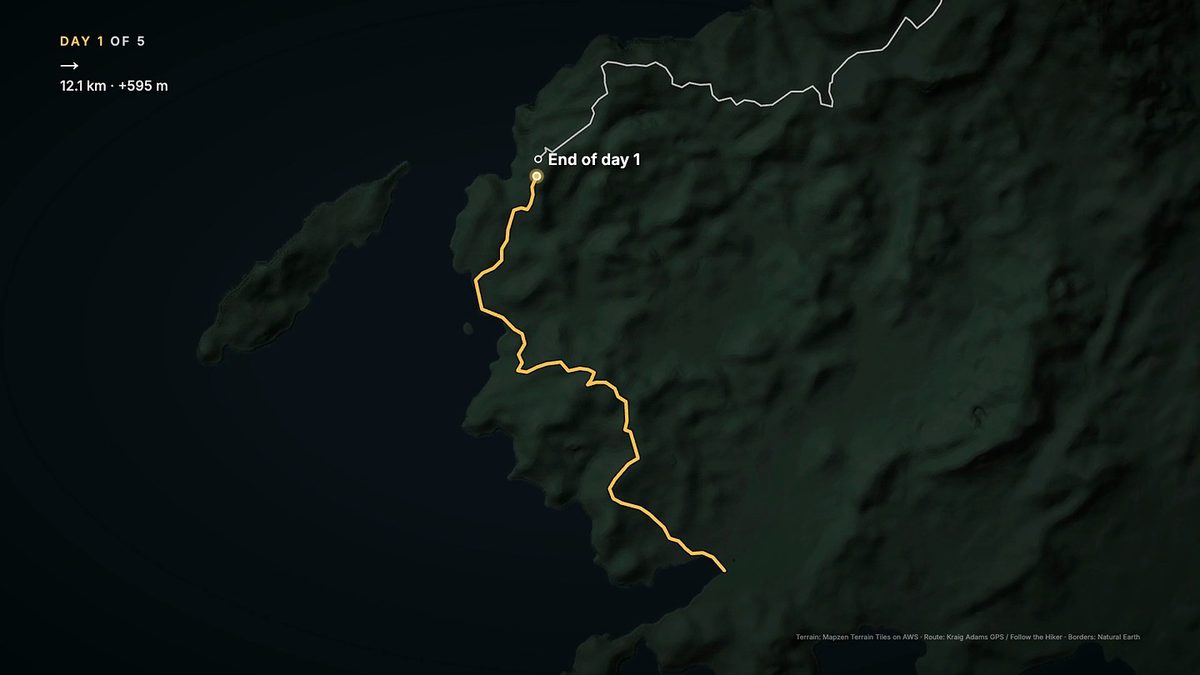
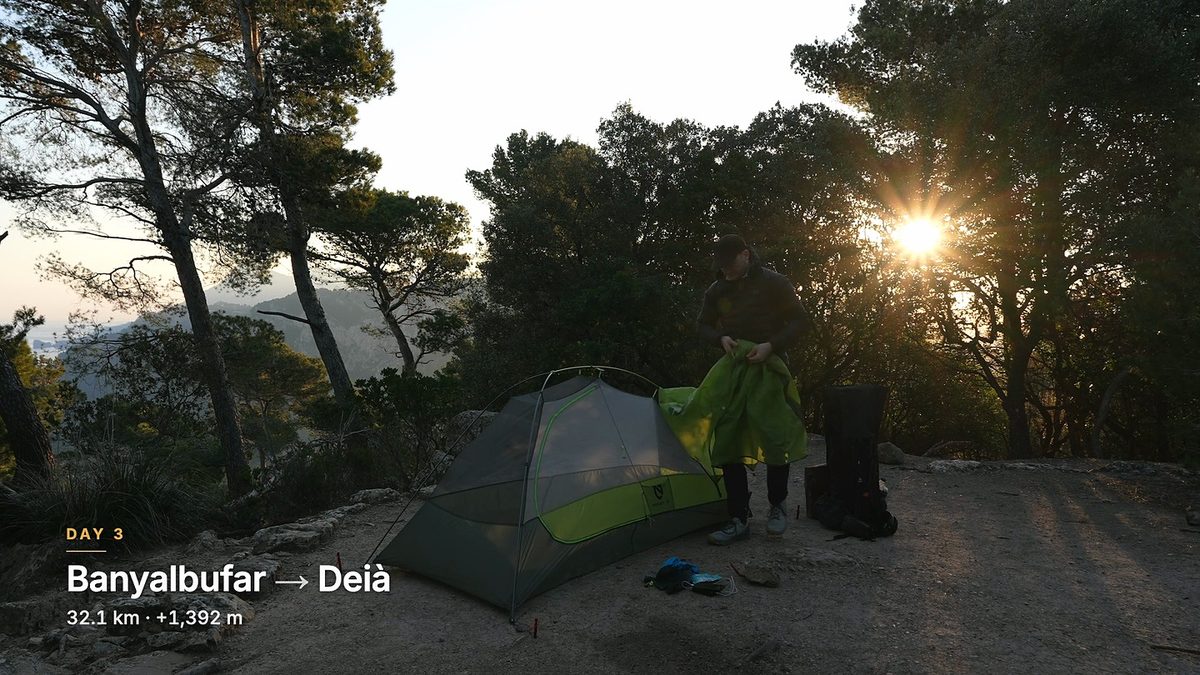
- Custom motion graphics kit. A lightweight graphics kit built for this project animates each day's GPS route on a terrain map, overlays day cards (distance, climbing, start and end towns), and renders elevation profiles and on-screen lists.
- Music and Final Cut handoff. Calm tracks from Artlist sit under the narration. Every run outputs a finished 16:9 video, a 1-minute vertical cut, and a Final Cut Pro XML timeline so I can adjust any cut myself.
How the format evolved: Draft 1 to Draft 3
The real leverage in an AI video workflow is not the first output. It is turning every piece of edit feedback into a permanent rule for the next build.
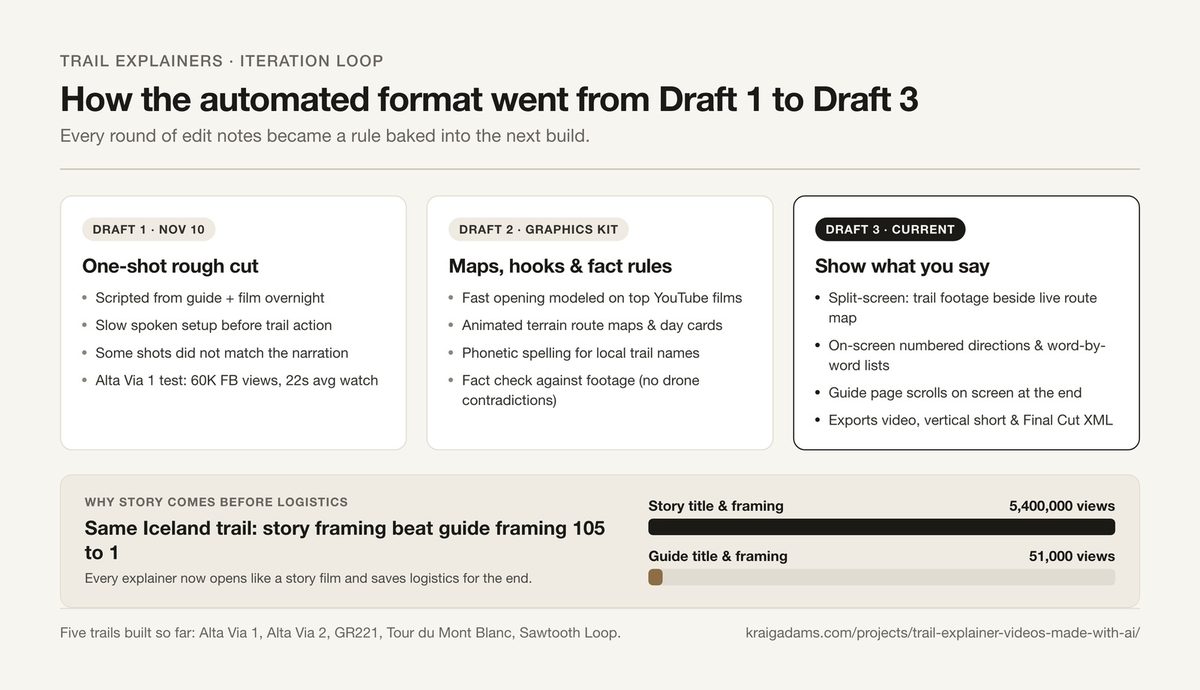
Draft 1: one-shot overnight cut
The first test (Alta Via 1, November 10) ran overnight with no human review. It proved the pipeline worked end to end, but the pacing was sluggish: too much spoken setup before anything happened, and several clips did not match what the voice was describing.
When I posted that first Alta Via 1 cut on Facebook as a baseline test on November 13, it reached about 60,000 views in five days with a 22-second average watch time. Useful benchmark, clear room to improve.
Draft 2: hooks from my own hits + the graphics kit
Before running the next batch, Claude analyzed the opening minute of my most-watched YouTube films. The pattern was consistent: open within seconds with me, a number, the trail and the country, follow with a fast visual preview cutting on every beat, and jump straight into Day 1. Story first, logistics last.
That same review settled how to frame these videos. On the exact same Iceland trail, my story film has 5.4 million views while the guide-style video has 51,000.
On November 17 I ran four more trails end to end without manual script review: Alta Via 2 with Claude, and overnight first drafts of the GR221, Tour du Mont Blanc and Sawtooth Loop with Google Antigravity. Draft 2 added the terrain map and day-card graphics kit over the footage.
Draft 3: show what you say
Watching Draft 2 exposed the next gap: whenever I listed gear, food, or trail directions, the screen needed to show the words and the route instead of just running generic B-roll.
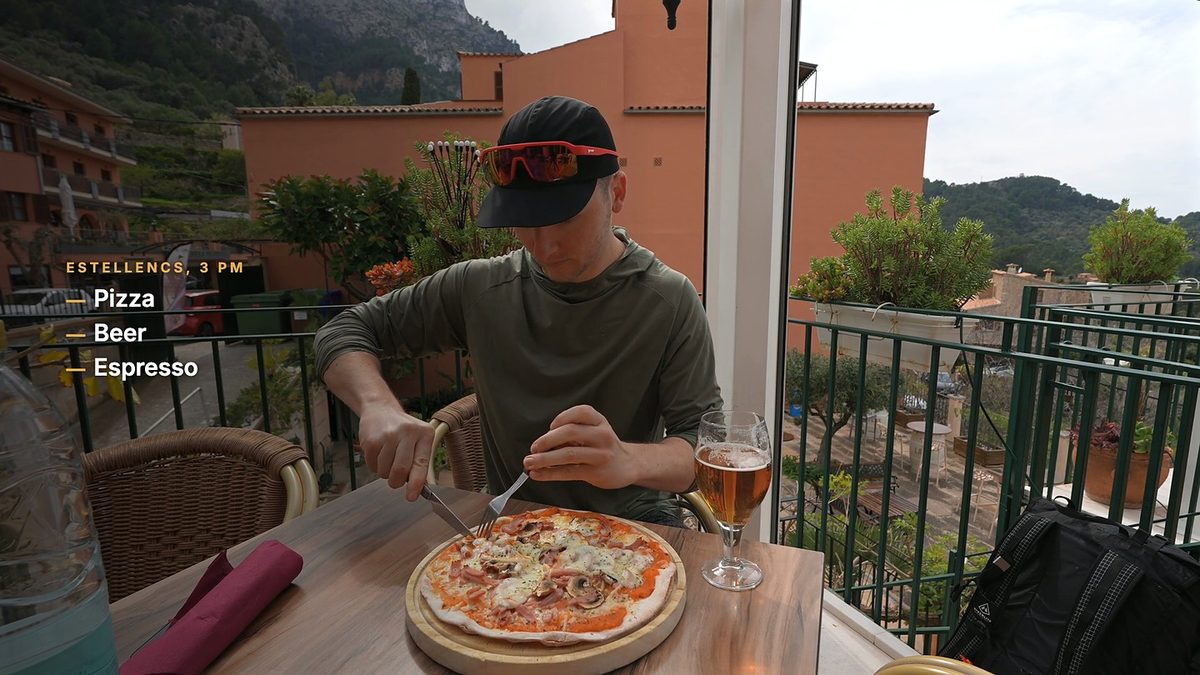
Draft 3 built that directly into the generator: - Word-by-word on-screen lists: when I mention pizza, beer and espresso in Estellencs, each item lands on screen as I say it.
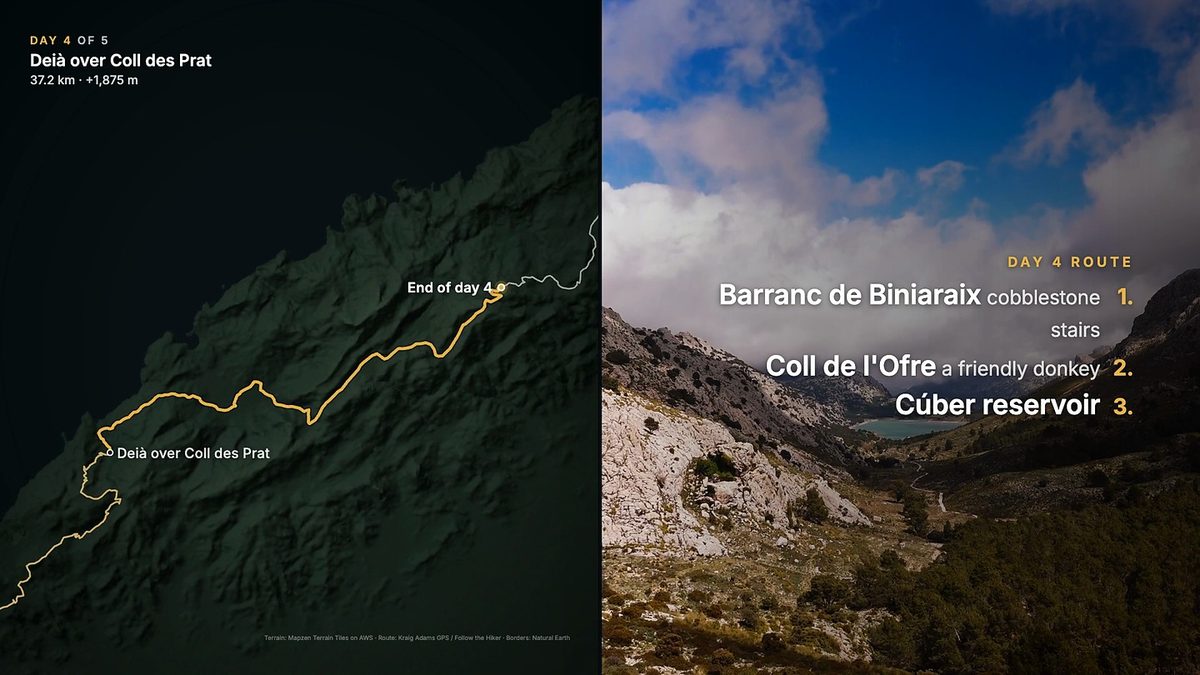
- Split-screen trail + map: key stages open as a split screen with the live GPS route drawing on the left and numbered trail directions or hiking footage on the right.
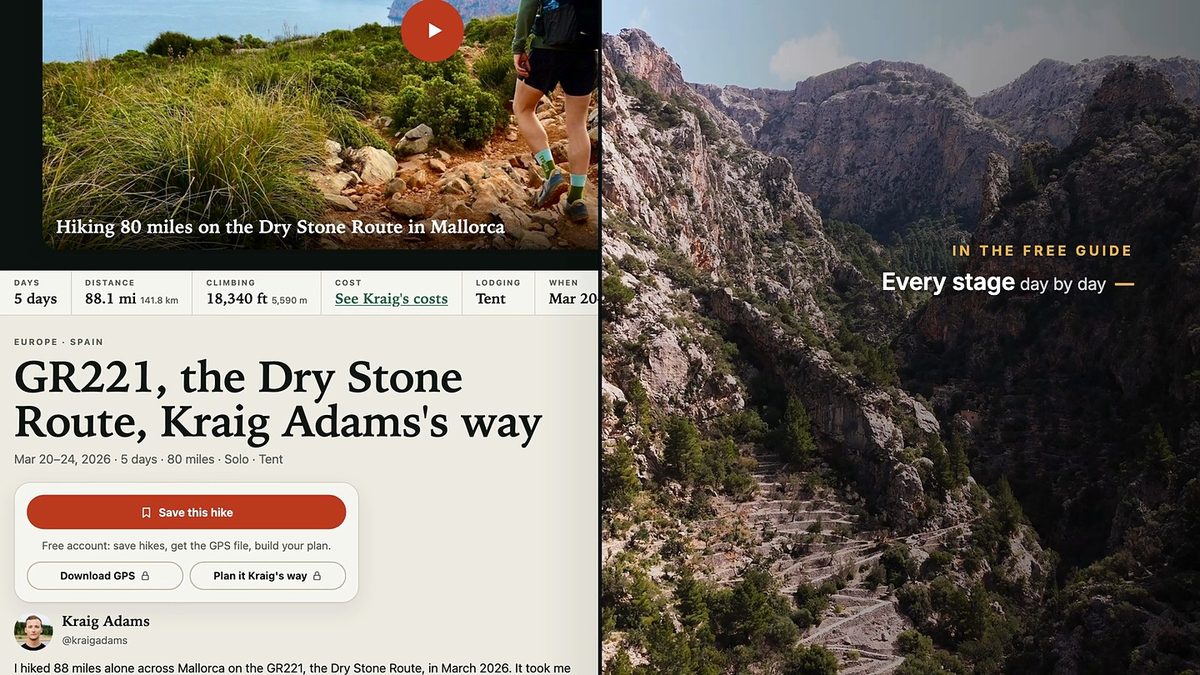
- Scrolling guide outro: near the end, the actual Follow the Hiker guide page scrolls beside the trail footage while the narration summarizes what is inside.
What broke (and the rules I added)
- The first three seconds decide retention. An earlier narrated recut of an Alaska film opened on a static landscape with text. On Facebook, roughly three in four viewers left within three seconds, with a 7-second average watch. Every explainer now opens in motion.
- Always cross-check script facts against the footage. Draft 2 of Alta Via 2 stated that drones are banned in the area while playing right over my own drone shots. I caught it before publishing, and the script generator now checks for footage contradictions automatically.
- No outside facts. If a viewer question from the comments cannot be answered from my guide or my film, the script skips it rather than hallucinating an answer.
- Explicit disclosure. Every description states that the narration uses an AI clone of my voice, and YouTube uploads will carry the altered-content label.
What is next
Once Draft 3 hits the quality bar I want across these five test trails, the plan is to run the same pipeline across every guide on Follow the Hiker and roll them out on Instagram and YouTube. My time per video drops to watching the draft and giving notes, and every note improves the entire catalog going forward.