
Turning my hiking guides into narrated videos with AI
A narrated video for each of my hiking guides, made from my own footage and my guide's facts, in an AI copy of my voice. How the format went from a rough first try to Draft 3, and what I've learned so far.
I've filmed about 250 hikes. For most of them there's now a free guide on Follow the Hiker: every day of the route, where I slept, what it cost, the GPS file. The guides are good. But a guide is something you read once you've already decided to go.
The films are what make people decide. So the idea, on November 10, was to put the two together: a video that tells the story of the hike like my films do, and answers the questions a guide answers, in about seven minutes. My note that day: "Try to one shot a video for YouTube/Facebook from hiking guide for Alta Via 1."
How one gets made
Every video starts from two sources and nothing else: my guide for that hike, and my own film of it.
- The script. Claude writes it in my words, from the guide's facts and what I say in the film. It reads the film's comments first and answers the five questions people ask most. On the GR221, that was 205 comments; on the Tour du Mont Blanc, more than a thousand.
- The voice. The narration is an AI copy of my voice, made with ElevenLabs. I wrote about how I cloned my voice before. Place names get spelled out phonetically so it says Deià and Pollença the way a person would.
- The cut. Claude picks shots from the film to match each line, puts the moments people rewatch most near the start, and checks every word made it in by transcribing the result back.
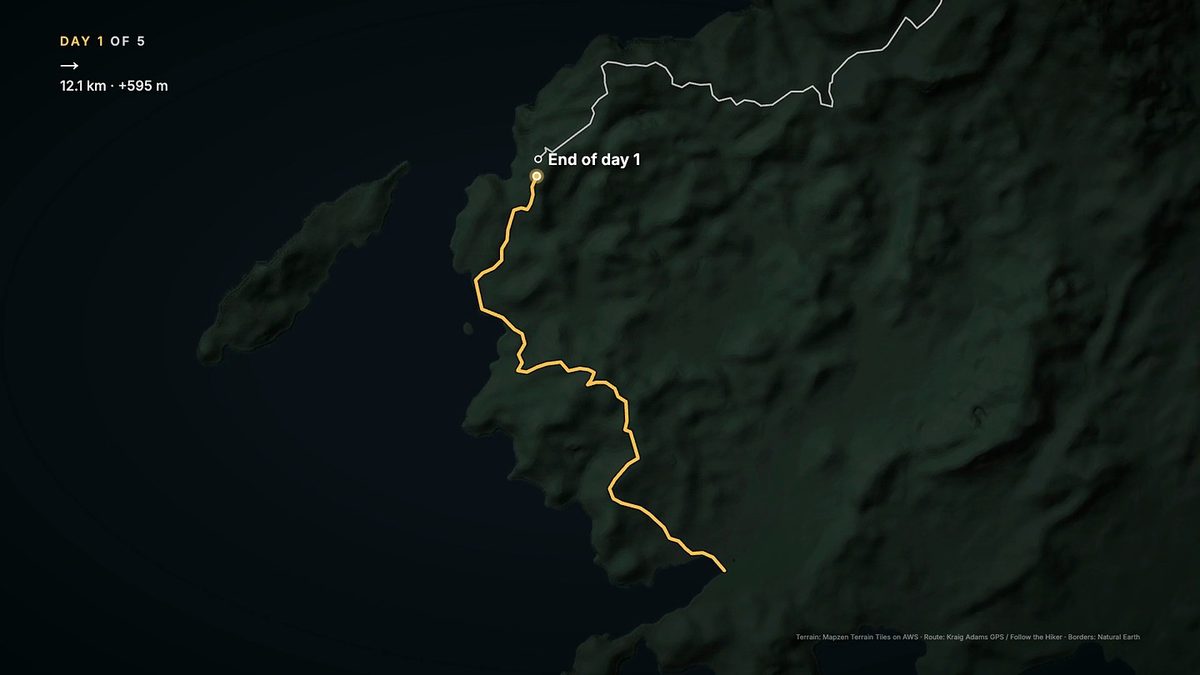
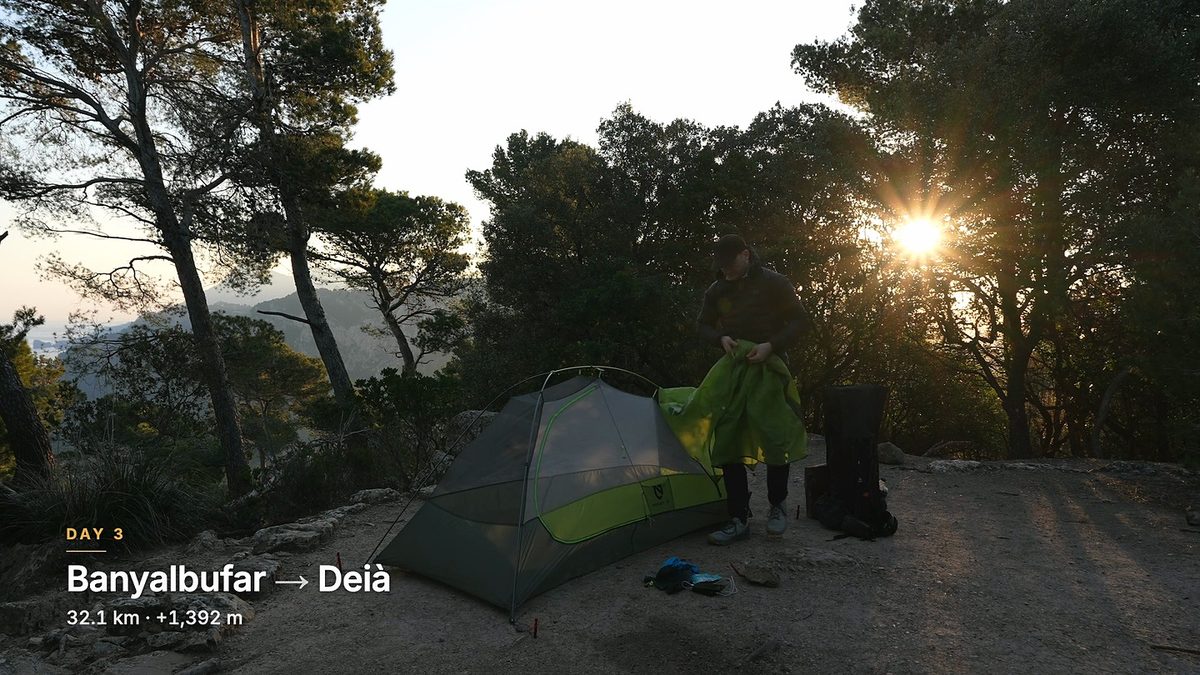
- The graphics. A small kit of motion graphics, built for this, draws the route day by day on a terrain map, shows a card for each day ("Day 2 of 5, 37.1 km, +1,442 m"), elevation profiles and lists.
- The music. Calm, cinematic tracks from Artlist, set under the voice.
What comes out is a finished video, a vertical one-minute version, and a Final Cut Pro file, so I can open the timeline and change anything.
From the first try to Draft 3
The first one, Alta Via 1, was made overnight on November 10, with no reviews. It worked, mostly. It was also slow to start: a long spoken setup before anything happened, and shots that didn't match the words.
So before the next one, Claude went through my own most-watched films to see what they do in the first minute. The pattern was clear. The first line comes within a few seconds, and it's me, a number, "alone", the trail and the country: "I hiked seventy-five miles alone on the Alta Via 1." The second line is a list of what you're about to see, with a new shot on each word. Then straight into Day 1. Story first, logistics last.
The same study settled the titles. On the same trail, a story title beat a guide title every time. My Iceland story film has 5.4 million views. The guide-style video for the same trail has 51,000.
On November 17 I asked for the next one to be made start to finish without me: "i want this video to be created automatically." No script review, no voice memo. That was Alta Via 2. Overnight, the first drafts of three more followed: the GR221, the Tour du Mont Blanc and the Sawtooth Loop. Google's Antigravity, the other AI I use, made those three first drafts; Claude made the rest.
Draft 2 of each brought in the graphics kit. My reason for building it: "layering info in a beautiful way over these videos makes a lot of sense. people want to know where the hike is on the itinerary and map".
Then I watched them, and wrote this:
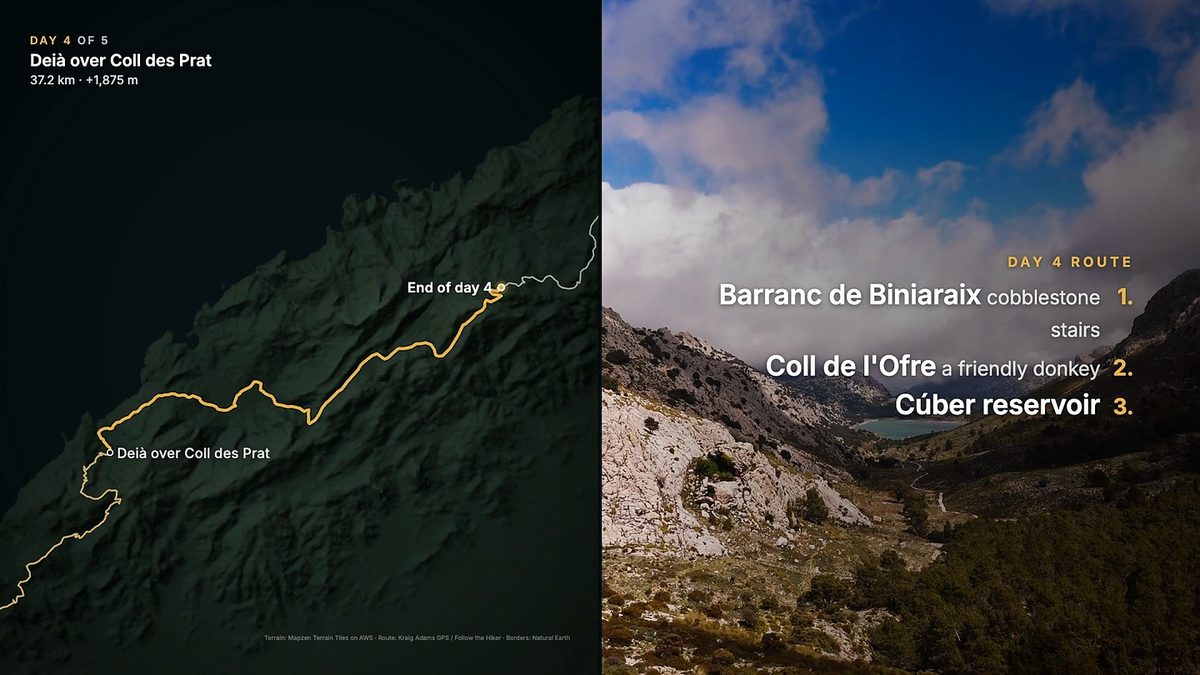
"i think the videos are really good. i'd like to be shown what i talk about more often though. especially when it's lists of things, gear or trail directions. In general more text for layers of detail and context. we can also try splitscreen for on trail and the route sometimes as well instead of just overlaying."
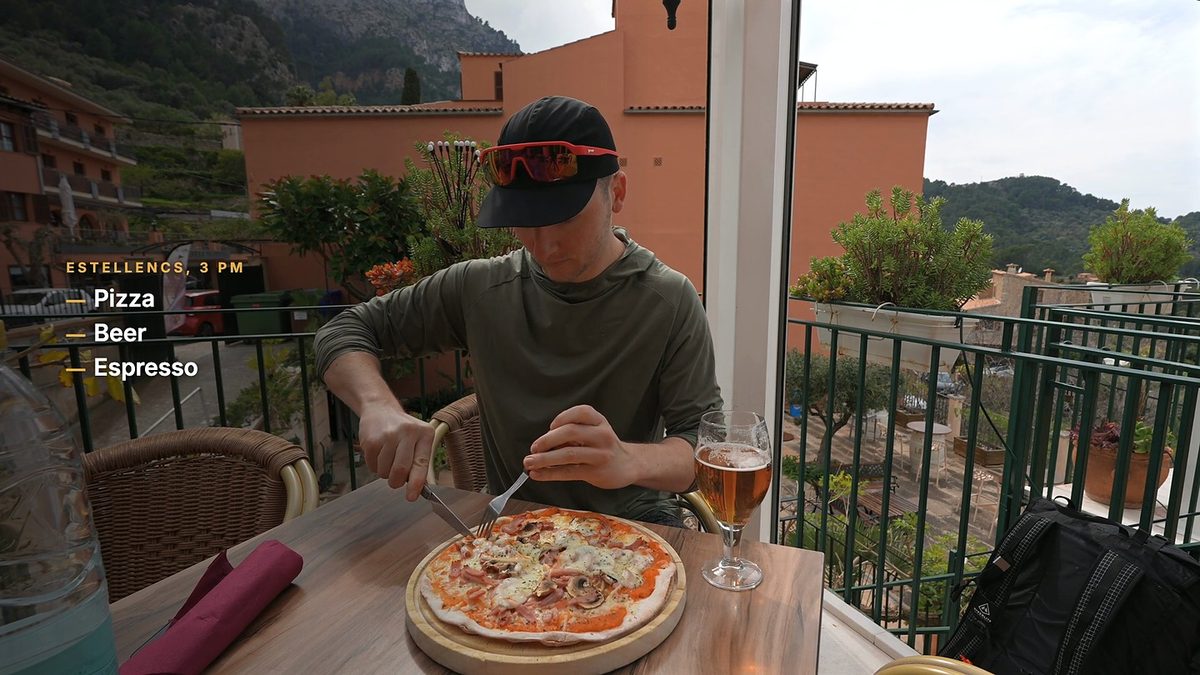
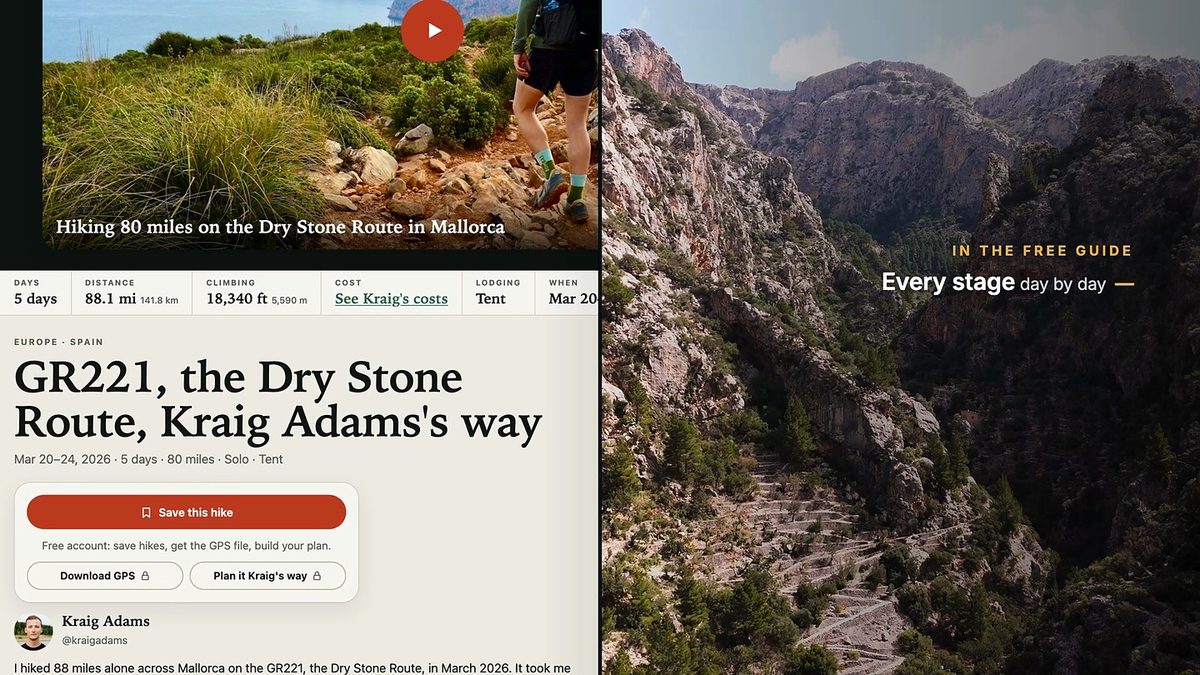
That's Draft 3. When I list what I ate in Estellencs, pizza, beer, espresso, each word appears as I say it. Directions are numbered on screen. Some days open as a split screen: me on the trail on one side, the day's route drawing itself on the other, which is the picture at the top of this page. And at the end, the guide itself scrolls beside the footage while the voice says what's in it.
What I've learned so far
- The first three seconds decide it. An earlier narrated recut of my Alaska film opened on a still landscape with text. On Facebook, about three in four people were gone within three seconds, and the average watch was seven seconds.
- Show what you say. Every line plays over a shot of the thing it describes. Lists go on screen.
- Check every fact against the footage. Draft 2 of Alta Via 2 said drones are banned in the area, over my own drone shots. I deleted it before it went out. Now the scripts leave drone rules out wherever I flew one.
- Facts only from the guide. The scripts don't add anything the guide or the film doesn't say. When a viewer question can't be answered from them, it's left out.
- Be open about it. Every description says the narration is an AI voice made from my own, and the YouTube upload will be labelled as altered content.
I posted the first Alta Via 1 video on TikTok and Facebook myself on November 13, as a test. On Facebook it reached about 60,000 views in its first five days, and people watched 22 seconds of it on average. That second number is the one to beat: the newer versions open faster and put more on screen.
What's next
My plan from November 13: "i hope to make videos like this for every hiking guide we have on followthehiker. once they're good enough, we'll start posting on IG then YouTube."
That's a video for every hike I've filmed with a guide on the site. Each video takes my time only to watch and give notes, and each round of notes makes every later video better. When they go up, each one will link to its free guide.
Until then, the guides are there to read: browse all the hikes, or start with the GR221.